





TL;DR Summary: NumPy is a powerful package for creating and manipulating arrays, essential for scientific computing and machine learning. It enhances Python's numerical capabilities and supports various data types.
- Efficient array creation and manipulation functionalities.
- Includes key features like reshaping, slicing, and arange for filling arrays.
If we study Pandas, we have to study NumPy, because Pandas includes NumPy. Here, I’ll introduce NumPy and share some basic functions.
What is NumPy?
NumPy is a package that create arrays. It lets you make arrays of numbers with different precision and scale, plus string, so it is especially useful for scientific computing.
Python by itself only has floats, integers, and imaginary numbers. But NumPy expands what Python can do because it handles:
- 32-bit numbers
- 15 big numbers
- Signed numbers
- Unsigned numbers
- And more
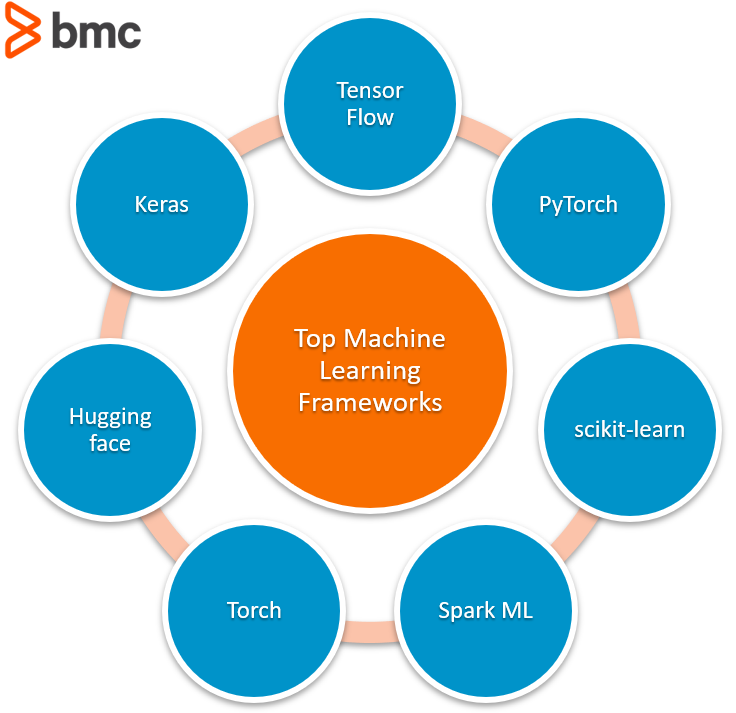
But that's not the only reason to use NumPy. It's designed for efficiency and scale, making it the workhouse for large machine learning (ML) libraries like TensorFlow.
Now, let’s take a look at some basic functions of NumPy arrays.
Creating a NumPy array
Create an array with np.array(<array>).
Don't put np.array(1,2,3,4,5) as 1,2,3,4,5 is not an array. NumPy would interpret the items after the commas as parameters to the array() function.
This creates an array:
Results:
    import numpy as np
arr = np.array([1,2,3])
arr
Results:
array([1,2,3])
Array shape
An array has shape, just like, for example, a 2x2 array, 2x1 array, etc.
Query the shape like this:
arr.shape
You should call this a vector if you want to understand this better as it's not 3x1—because it only has one dimension, and a blank is not a dimension.
(3,)
This is 3x1 since it is an array of 3 arrays of dimension 1x1.
Results:
    arr = np.array([[1],[2],[3]])
arr.shape
Results:
(3, 1)
Reshaping an array
You can reshape an array of shape m x n into any combination that is a divisor of m x n. This array of shape (6,) can be reshaped to 2x3 since 2*3=6 divides 6.
Results:
    import numpy as np
arr = np.array([1,2,3,4,5,6]).reshape(2,3)
print(arr)
Results:
    [[1 2 3]

[4 5 6]]
Arange
Notice that this function is not arrange but arange, as in array range. Use it to file an array with numbers. (There are lots of ways to do that, a topic that we will cover in a subsequent post.)
Results in:
    import numpy as np
arr = np.arange(5)
arr
Results in:
array([0, 1, 2, 3, 4])
Slice
Slicing an array is a difficult topic that becomes easier with practice. Here are some simple examples.
Take this array.
    arr = np.array([1,2,3,4,5,6]).reshape(2,3)
arr
Which looks like this:
    array([[1, 2, 3],
[4, 5, 6]])
(While you could say this has 2 rows and 3 columns to make it easier to understand, that's not technically correct. When you have more than two dimensions, the concept or rows and columns goes away. So that’s why it’s better to say dimensions and axes.)
This slice operations means start at the second position of the first axis and go to the end:
Results in:
arr[1:]
Results in:
array([[4, 5, 6]])
This starts at the beginning and goes to the end:
Results in:
arr[0:]
Results in:
    array([[1, 2, 3],
[4, 5, 6]])
Add a comma to specify which column:
Results in:
arr[:,1]
Results in:
array([2, 5])
Select along the other axis like this:
Results in:
arr[1,:]
Results in:
array([4, 5, 6])
Select a single element.
Results:
arr[1,0]
Results:
4
Step
    arr = np.array([1,2,3,4,5,6])
arr[1:6:2]
array([2, 4, 6])
That concludes this introduction.
Related reading
Pandas Guide
- Pandas Introduction & Tutorials for Beginners
- Pandas: How To Read CSV & JSON Files
- How To Create a Pandas Dataframe from a Dictionary
- How To Group, Concatenate & Merge Data in Pandas
- Pandas Data Types
- Handling Missing Data in Pandas: NaN Values Explained
- NumPy Introduction with Examples
- Using StringIO to Read Delimited Text Files into NumPy
- Using the NumPy Bincount Statistical Function
- Top NumPy Statistical Functions & Distributions
These postings are my own and do not necessarily represent BMC's position, strategies, or opinion.